devops
Ubuntu NAS Server using Samba
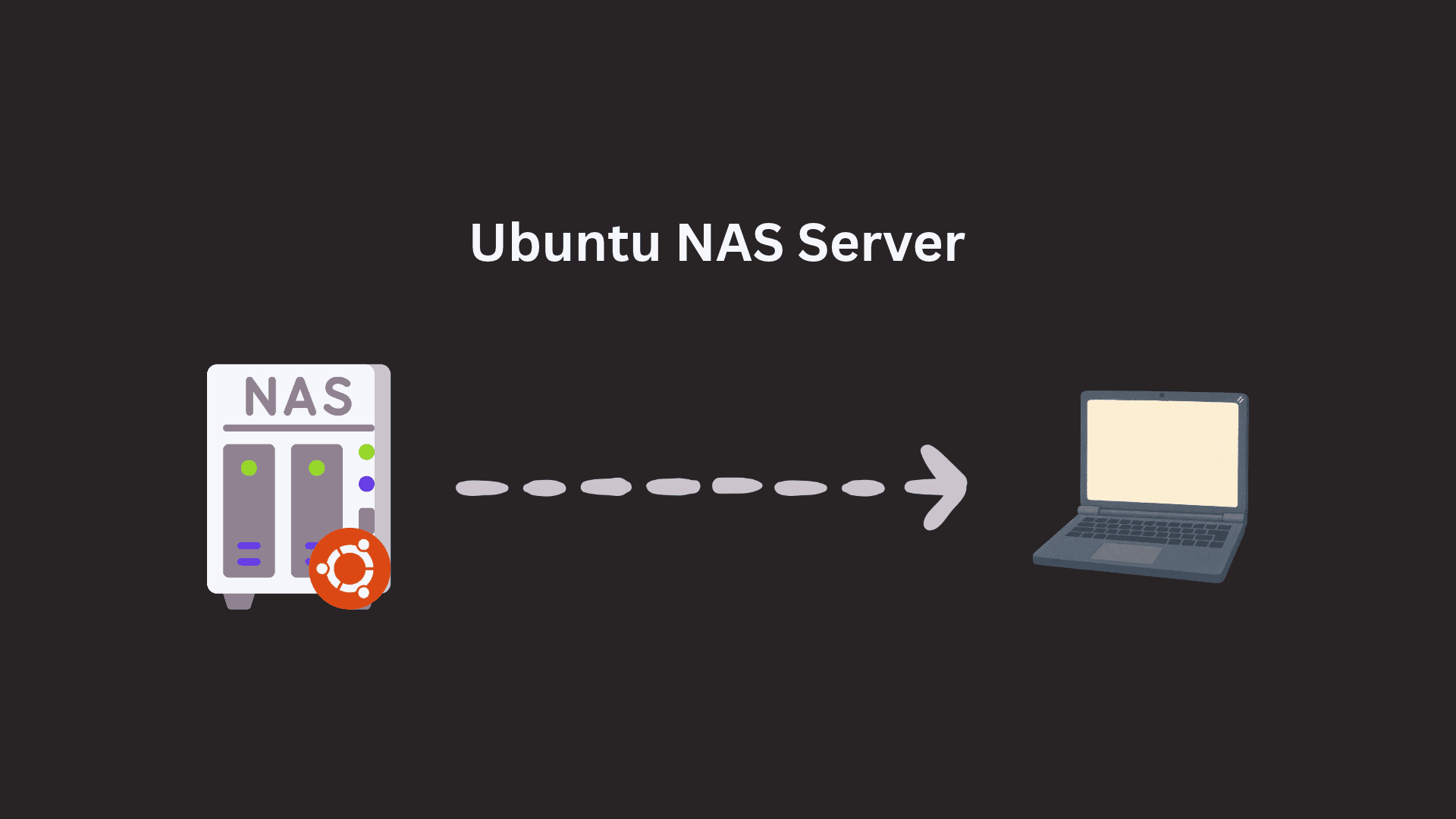
Configured a Network Attached Storage (NAS) server on Ubuntu using Samba to share files across a local network. Set up a shared directory, configured Samba access and connected a second Ubuntu machine through the terminal using the CIFS filesystem.
About this project
This project demonstrates how to create centralized network storage using Linux and Samba. The server shares a directory over the local network, allowing an authorized client machine to mount the share and access files. It also covers firewall configuration, Samba user authentication, and optional automatic mounting at boot.
## What I Implemented
- Installed and configured Samba on an Ubuntu server
- Created a shared directory and configured access through `smb.conf`
- Configured a Samba user and allowed Samba traffic through UFW
- Connected a second Ubuntu machine using `smbclient` and `cifs-utils`
- Mounted the network share at `/mnt/nas` to access shared files from the terminal
- Documented optional persistent mounting using `/etc/fstab` and a protected credentials file
## Technologies & Tools
Ubuntu Linux, Samba, SMB/CIFS, UFW Firewall, Linux File Permissions, smbclient, cifs-utils, /etc/fstab, Bash, Terminal.
## Key Takeaway
Built a basic centralized file sharing environment that enables Ubuntu machines to access shared files over a local network. Practiced Linux service configuration, network storage, user authentication, firewall management and filesystem mounting.